Free online CS2 inspect tool
CS2 Inspect Every skin in 3D, right in your browser
Paste a CS2 inspect link from your inventory, the Steam Market or a trading site and see that exact item in 3D – wear, pattern, stickers and charms. Or browse 2,106 skins, knives and gloves.
Paste an inspect link and it opens instantly, or type a skin name.
- Free
- No Steam login
- Nothing to install

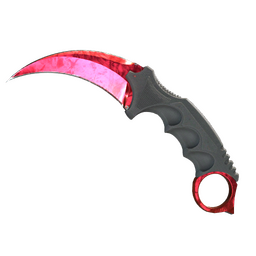

01Popular skins
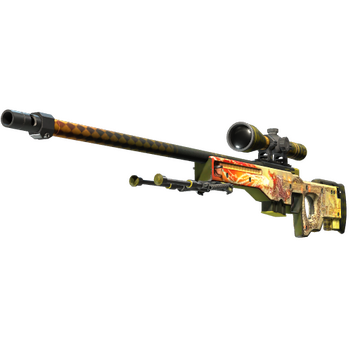
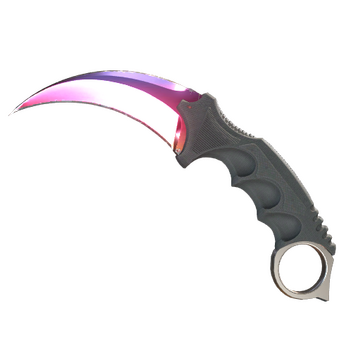
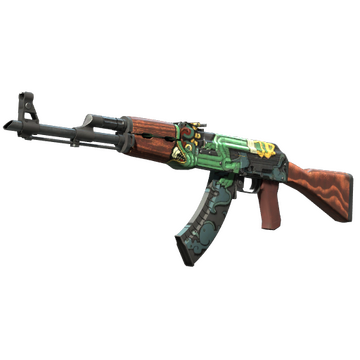
Popular CS2 skins to inspect in 3D
From the Dragon Lore to Doppler knives: open any of these in the 3D viewer, or search the full catalog.
- Covert
AWP
Dragon Lore
- Covert
★ Karambit
Fade
- Covert
AK-47
Fire Serpent
- Extraordinary
★ Specialist Gloves
Crimson Kimono
- Covert
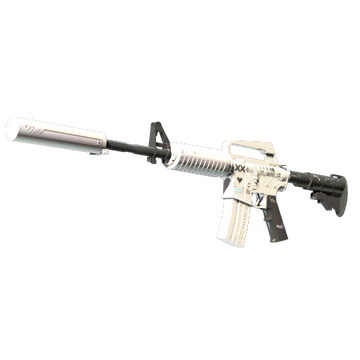
M4A1-S
Printstream
- Covert
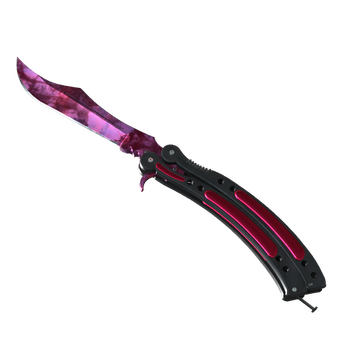
★ Butterfly Knife
Doppler (Phase 2)
- Classified
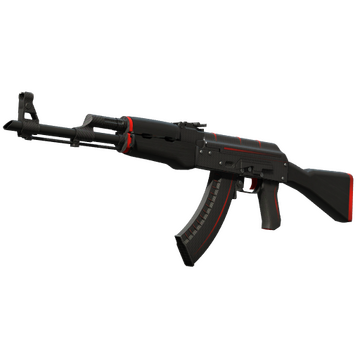
AK-47
Redline
- Restricted
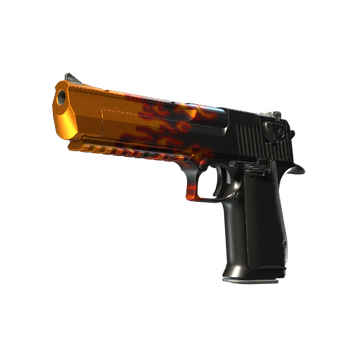
Desert Eagle
Blaze
- Extraordinary
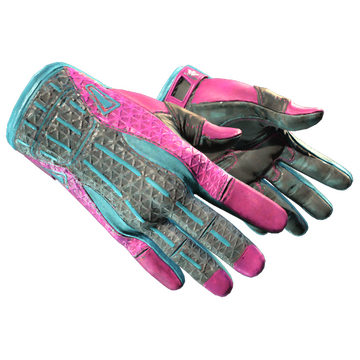
★ Sport Gloves
Vice
- Covert
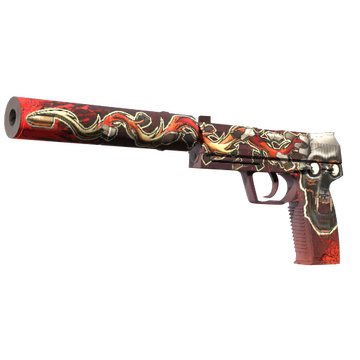
USP-S
Kill Confirmed
- Covert
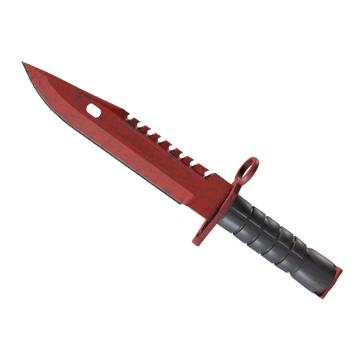
★ M9 Bayonet
Crimson Web
- Covert
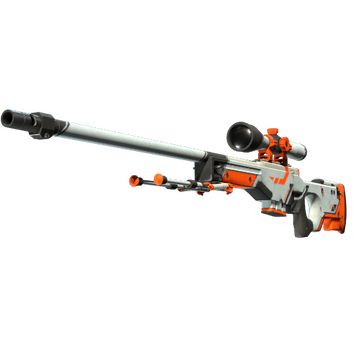
AWP
Asiimov

02Browse
Browse CS2 skins by category
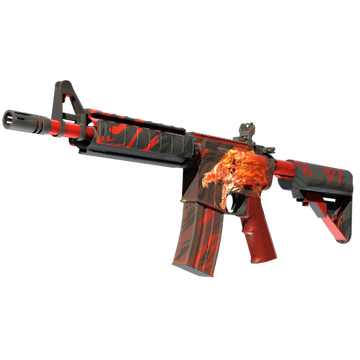
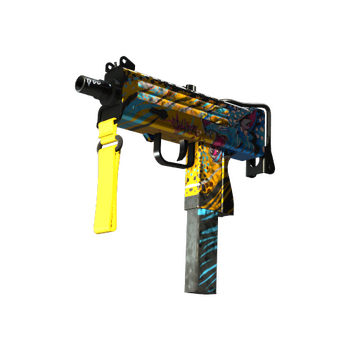
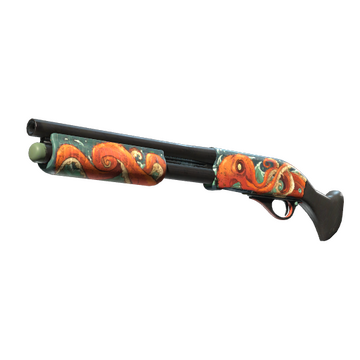
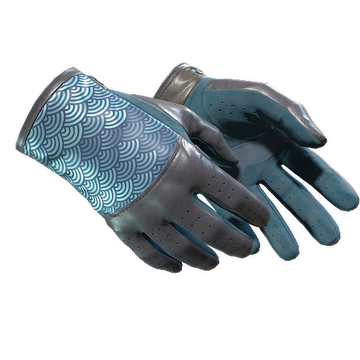
Every rifle, pistol, knife and glove type with all of its skins. Pick a category, then a weapon, and inspect any skin in 3D.





03How it works
How to inspect CS2 skins online
CS2 inspect without launching the game takes three steps and about ten seconds.
Copy the inspect link
In your Steam inventory or on the Community Market, right-click the “Inspect in Game…” button and copy the link address. Trading sites have the same button.
Paste it into Skinspect
Paste the link into the field above or the search bar at the top. Skinspect recognizes inspect links and opens the item right away.
Inspect it in 3D
Drag to rotate, scroll to zoom and check the wear, pattern, stickers and charms from every angle – just like inspecting in game.
04Features
Everything you need to inspect CS2 skins
More than a picture: a real 3D CS2 inspect viewer that works on any device with a modern browser.
Real CS2 models
Skins are rendered from the game's own 3D models and textures, so what you see is what you get in game.
The exact item
An inspect link loads that one item: its float and wear, pattern seed, stickers with their scratches, and charms.
2,106 skins, knives & gloves
Every finish in CS2, with each Doppler and Gamma Doppler phase as its own entry. Find any of them in a second with Ctrl K or ⌘K.
Float and seed preview
Sweep through the float range to watch the wear build up, or cycle through pattern seeds to compare patterns.
Lighting and screenshots
Switch lighting and backgrounds, turn on auto-rotation and save a screenshot of the skin.
Free, no login
No Steam login, no download, no browser extension. Skinspect never asks for your Steam account.
05FAQ
Frequently asked questions about CS2 inspect
Everything about CS2 inspect links, the 3D viewer and what you can check with them.
What is CS2 inspect?
Inspecting is how you look at a Counter-Strike 2 item up close: you turn it around to see its finish, wear, pattern and stickers. In the game, that means launching CS2 and inspecting the item there. Skinspect brings CS2 inspect to your browser: open any skin from the catalog or paste an inspect link and view the item in 3D.
How do I inspect a CS2 skin without opening the game?
Copy the item's inspect link and paste it into Skinspect. The item opens in the 3D viewer within seconds – no need to launch CS2, join a server or own the item. To look at a skin in general, search for it by name instead.
Where do I find a CS2 inspect link?
Open the item in your Steam inventory or its listing on the Steam Community Market, right-click the “Inspect in Game…” button and choose “Copy link address”. Trading and marketplace sites show the same button on their listings, and you can copy inspect links from other players' public inventories too.
What does a CS2 inspect link look like?
Inspect links are Steam links that start with steam://run/730// or steam://rungame/730/ and contain csgo_econ_action_preview, followed by the data that identifies the item. Skinspect recognizes them automatically – just paste the whole link.
What can I see in the 3D viewer?
With an inspect link you see that exact item: its wear from the float value, its pattern seed, StatTrak, applied stickers including their scratches, and attached charms. Catalog skins show the finish itself, and you can sweep through floats and pattern seeds to see how it changes.
Can I inspect knives and gloves?
Yes. The catalog includes every knife and glove finish next to all weapon skins. Doppler and Gamma Doppler phases such as Ruby, Sapphire, Black Pearl and Emerald have their own entries, so you can compare them side by side.
Is Skinspect free? Do I need to log in?
Skinspect is free to use and needs no account, Steam login, download or browser extension. Open the page, paste a link or pick a skin, and inspect.
Is it safe to paste my inspect link?
Yes. An inspect link only describes how an item looks; it doesn't give anyone access to your Steam account or your items. Be careful with sites that ask you to log in with Steam just to inspect a skin – Skinspect never does.
Why doesn't my inspect link work?
Make sure you copied the whole link, as it is long and easy to cut off. Some older inspect links are no longer supported, so copy a fresh one from Steam or CS2. The 3D viewer also needs WebGL2 with hardware acceleration turned on, which every up-to-date desktop and mobile browser supports.
Got a CS2 inspect link?
Paste it below and see your skin in 3D in seconds – free and without a login.